Welcome to BabyTime
Start your naming journey with shared tools built for calm, confident decisions.
Guided first steps
Welcome
How this page works
Help card guidance
Make choosing a baby namefeel like a celebration, not a chore.
Instead of scattered screenshots and lists, BabyTime gives you one shared space where you can both discover names, vote in private, and see the patterns that point toward a final choice.
- — Swipe, vote, and shortlist on your own time — no pressure, no side eye.
- — See where your tastes overlap automatically with smart matches and trends.
- — When you are ready, lock in a final choice and celebrate the moment together.
No pressure to invite anyone yet. You can start solo, then add your partner when you are ready.

/EM-uh/ · Universal, whole
Nicknames
Alt. Spellings
Cultural Significance
 Germanic
Why BabyTime beats lists, docs, and endless screenshots
You already have opinions, vetoes, and soft favorites. BabyTime gives them structure: every swipe, vote, and shortlist quietly builds a shared picture of what the perfect name looks like for your family.
Clarity without pressure
Vote privately, then compare calmly with shared shortlists and clear "both of us love this" signals.
Always in sync
See who has seen which names, where you disagree, and which names are secretly everyone's favorite.
A moment worth marking
Confetti, keepsakes, and ceremony tools for the exact second you say "this is the one".
Feels like
— a calm Sunday conversation where you finally see that you both love the same three names.
— the opposite of "did you see that TikTok name I sent last week?".
Under the hood, BabyTime is tracking patterns and overlap; on the surface, it just feels like you are slowly falling in love with the same name.
Your BabyTime journey, from first swipe to first birthday
BabyTime is intentionally opinionated about the journey so you don't have to design it from scratch. Here's what it feels like once you hit Start Setup — before baby arrives and in the first months and birthdays after.
Step 1
Create your household
Tell BabyTime who's voting (you, or you + partner), due date window, and a few "absolutely not" rules.
Takes about 60 seconds.
Step 2
Swipe & discover
Explore curated lists, daily picks, and deep dives on each name while BabyTime quietly learns what you like.
Perfect for the couch, commute, or 3 a.m. scrolls.
Step 3
See your overlap
Shortlists, perfect matches, and taste insights turn hundreds of maybes into a handful of "this really feels like us" options.
No manual spreadsheet cleanup required.
Step 4
Mark the moment & keep going
Turn your final choice into a keepsake, ceremony plan, and shareable story that feels worthy of the name. After baby is here, BabyTime grows with you: gentle daily tracking for feeding, sleep, diapers, growth, and journaling — plus post-birth keepsakes and first-birthday reflections tied back to the name you chose together.
You will remember this screen forever — and you'll keep coming back around big milestones and birthdays.
What BabyTime actually looks like
These are real, in-app screenshots from the current BabyTime build — what you see here is what you'll see once you hit Start.
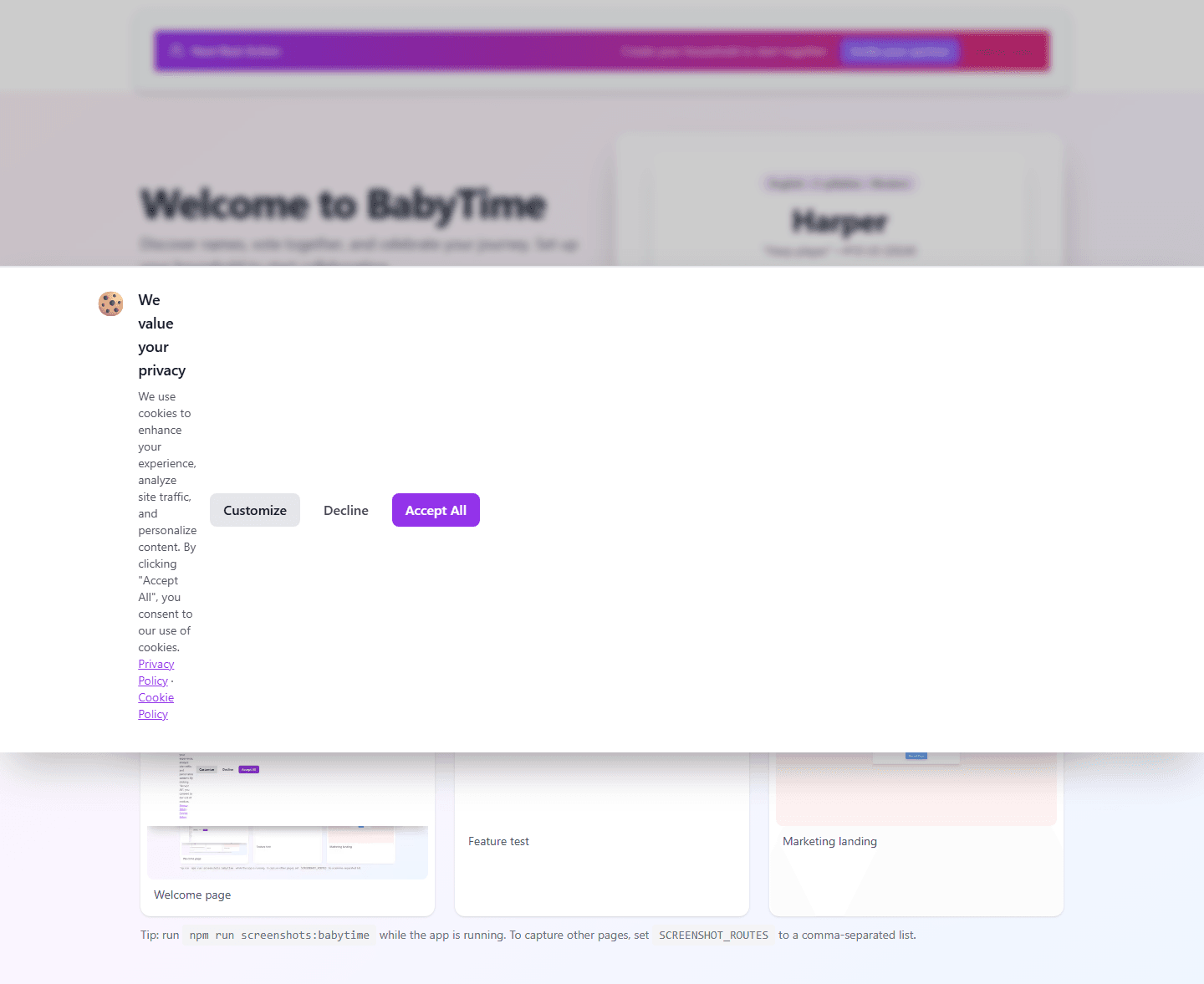
Dev note: runnpm run screenshots:babytimewhile the app is running. To capture other pages, setSCREENSHOT_ROUTESto a comma-separated list.
Ready to make naming the baby the fun part of your to‑do list?
Start BabyTime now, add your partner when you are ready, and arrive at a name that feels like both of you — without losing your minds or your spreadsheets.